
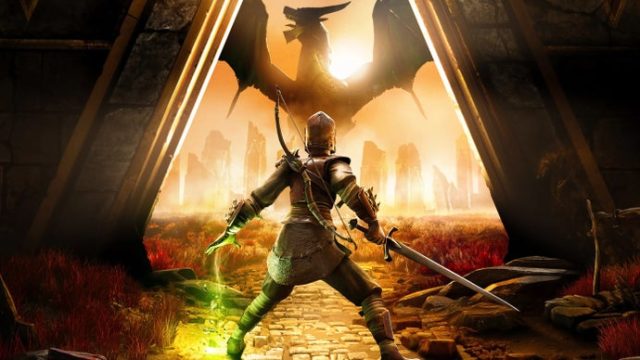
RuneScape, the iconic MMORPG developed by Jagex, has captivated players for over two decades. As the game continues to evolve, new adventures and updates keep the community engaged. Whether you're a veteran returning for the latest expansion or a newcomer eager to start your journey, understanding how to download RuneScape on various platforms is crucial. This guide will walk you through everything you need to know to get started on your RuneScape adventure.
Overview of RuneScape
RuneScape offers a rich, immersive gameplay experience in a vast fantasy world filled with quests, monsters, and dynamic characters. Players can choose their paths, whether it’s combat, crafting, or trading, allowing for endless possibilities and playstyles. With millions of players globally, RuneScape has developed a vibrant community supported by continuous updates and new content. The recent announcement of partnerships to expand into Japan, South Korea, and Southeast Asia only emphasizes the game's growing popularity.
Platform Availability
RuneScape is widely accessible across multiple platforms, ensuring players can dive into their adventure from various devices. Here’s where you can play:
- PC: Available through the official RuneScape website or on platforms like Steam.
- Mac: Also accessible via the official website and Steam.
- Mobile: Download RuneScape on both Android and iOS through the Google Play Store and the Apple App Store.
System Requirements
Before you download RuneScape, ensure your device meets the following minimum system requirements:
For PC and Mac
- OS: Windows 10 or macOS 10.12+
- Processor: 2.6 GHz Dual-Core
- Memory: 4 GB RAM
- Graphics: NVIDIA GeForce 8800/ATI Radeon HD 2600
- Storage: 10 GB available space
For Mobile
- OS: Android 5.0 (Lollipop) or higher, iOS 10.0 or higher
- Memory: At least 2 GB RAM
- Storage: 1.5 GB available space
Ensure your device meets these requirements before proceeding to download to guarantee a smooth gaming experience.
How to Download RuneScape
Now that you know what you need, let’s go through the steps to download RuneScape on your preferred platform.
Downloading on PC or Mac
- Go to the official RuneScape website or Steam page.
- If on the website, click on the “Play Now” button to create an account or log in if you already have one.
- Follow the prompts to download the game client.
- Install the game by running the downloaded file and follow the installation instructions.
- Once installed, launch the game, login, and start your adventure!
Downloading on Mobile
- Open the Google Play Store (for Android) or Apple App Store (for iOS).
- Search for “RuneScape” in the store.
- Tap on the download/install button.
- Once installed, open the game and log in with your account or create a new one.
- Start your quest in the magical world of Gielinor!
Conclusion
Downloading RuneScape is a straightforward process, whether you choose to play on PC, Mac, or mobile. With its recent expansions and the promise of more adventures, now is an exciting time to join the RuneScape community. Don’t miss out on the action—follow the steps outlined in this guide and embark on your epic journey today. Explore the depths of dungeons, participate in quests, and connect with players from around the globe, all at your fingertips.