
Key Takeaways
- Available on PC, consoles, and mobile devices.
- System requirements vary by platform.
- Download from official stores for the best experience.
- Join millions of players in an expansive multiplayer world.
- Explore crafting, building, and survival mechanics.
Overview of Terraria
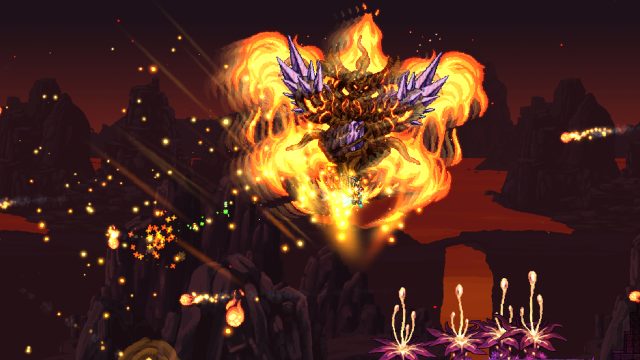
Terraria is an action-adventure sandbox game that has captured the hearts of gamers worldwide since its release in 2011. With a vibrant pixel-art style and a vast, procedurally generated world, players dive into a mix of exploration, crafting, and combat. Engage in multiplayer sessions with friends or challenge yourself in solo mode as you build, explore, and survive against various enemies and bosses.
Platform Availability
Terraria is available on multiple platforms, making it accessible to a wide audience. Here’s where you can find it:
- PC: Available on Steam and GOG.
- Consoles: PlayStation Store, Xbox Store, and Nintendo eShop.
- Mobile: Download via Google Play and Apple App Store.
System Requirements
Before diving into the game, ensure your system meets the following requirements:
PC Requirements
- Minimum: Windows 7, 2GB RAM, 200MB available space, and DirectX 9.
- Recommended: Windows 10, 4GB RAM, 1GB available space, and DirectX 11.
Console Requirements
- PlayStation: PS4 or PS5.
- Xbox: Xbox One or Xbox Series X/S.
- Nintendo: Nintendo Switch for portable play.
Mobile Requirements
- Android: Requires Android 4.0 and above.
- iOS: Compatible with iOS 10.0 or later.
How to Download Terraria
Now that you know the platforms and requirements, let's go through the steps to download Terraria based on your chosen platform.
For PC
To download Terraria on PC:
- Visit the Steam store or GOG.
- Create an account or log in if you already have one.
- Search for Terraria using the search bar.
- Click on the "Add to Cart" button and proceed to checkout.
- Once purchased, download the game through your library.
For Consoles
To download Terraria on your console:
- For PlayStation, visit the PlayStation Store.
- For Xbox, head to the Xbox Store.
- For Nintendo Switch, go to the Nintendo eShop.
- Search for "Terraria" in the store and select it.
- Purchase and download the game directly to your console.
For Mobile
To get Terraria on mobile:
- For Android devices, access the Google Play Store.
- For iOS devices, go to the Apple App Store.
- Type "Terraria" in the search function.
- Select the game and tap the download button.
- Once downloaded, open and enjoy the game!
Conclusion
Terraria is more than just a game; it's a platform for creativity, exploration, and social interaction. With its availability across various platforms, there's no excuse not to join the adventure. Whether playing solo or with friends, Terraria offers an engaging experience that’s continually expanding. Don’t miss out—download the game today and start your journey into its vast world!