
Key Takeaways
- Roblox is available on PC, mobile, and consoles.
- Creating a free account is essential to download and play.
- System requirements vary by platform; ensure compatibility.
- Installation is straightforward, guiding you through each step.
- Explore a vast community of players and game creators.
Overview of Roblox
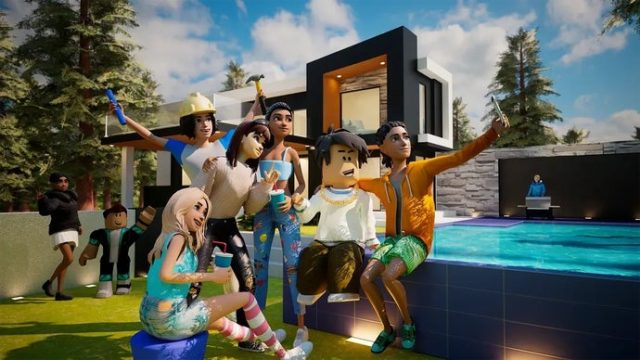
Roblox is more than just a game; it's a user-generated gaming platform where players can create, share, and play games crafted by others. Launched in 2006, it has grown exponentially, becoming particularly popular in Southeast Asia, including Indonesia, where it has captivated gamers in Jakarta, Surabaya, and Bali. With millions of active users, Roblox offers an engaging experience that fosters creativity and social interaction.
Platform Availability
Roblox is accessible on several platforms, ensuring that players can join the community regardless of their preferred gaming device. Here are the platforms:
- PC: Available via the official Roblox website.
- Mobile: Download through the Google Play Store for Android and the Apple App Store for iOS.
- Consoles: Play on Xbox One and Xbox Series X|S via the Xbox Store.
- VR: Roblox also supports VR headsets, enhancing the immersive experience.
System Requirements
Before downloading Roblox, it’s crucial to ensure your device meets the minimum system requirements:
For PC
- OS: Windows 7, Windows 8/8.1, or Windows 10.
- Processor: Intel Core i5 or equivalent.
- RAM: 4 GB minimum.
- Graphics: DirectX 9 level graphics card.
- Storage: At least 20 MB of free space.
For Mobile
- Android: Requires Android 4.4 or later.
- iOS: Requires iOS 9.0 or later.
- Storage: Minimum 200 MB of free space recommended.
For Consoles
- Xbox: Compatible with Xbox One and Xbox Series X|S.
- Storage: Ensure enough space for downloads and updates.
How to Download Roblox
Now that you understand the basics of Roblox, let’s dive into the downloading process. Follow these simple steps based on your platform:
Downloading on PC
- Visit the official Roblox website.
- Create a free account or log in if you already have one.
- Choose a game to play, and click the green "Play" button.
- Roblox will prompt you to download the Roblox Player. Follow the installation instructions.
- Once installed, the game will launch automatically.
Downloading on Mobile
- Open the Google Play Store or Apple App Store.
- Search for "Roblox" in the store.
- Tap on "Install" (Android) or "Get" (iOS) to begin downloading the app.
- Once installed, open the app and sign in or create your account.
- Start exploring games and making new friends!
Downloading on Xbox
- On your Xbox console, navigate to the Xbox Store.
- Search for "Roblox" and select the game.
- Click on "Download" to initiate the installation process.
- Once the installation is complete, launch the game and enjoy!
Conclusion
Roblox continues to be a leader in online multiplayer gaming, largely due to its vast array of user-generated content. Whether you’re in Southeast Asia or anywhere else in the world, downloading Roblox is quick and easy, opening the door to limitless adventures and creative opportunities. Don’t miss out on joining millions of players—download Roblox today and immerse yourself in this dynamic gaming community!