
Key Takeaways
- Morrowind is accessible on multiple platforms.
- Download links available for official stores.
- System requirements vary by platform.
- Patch your game for the best experience.
- Enjoy a rich RPG experience with a dedicated community.
Overview of The Elder Scrolls: Morrowind
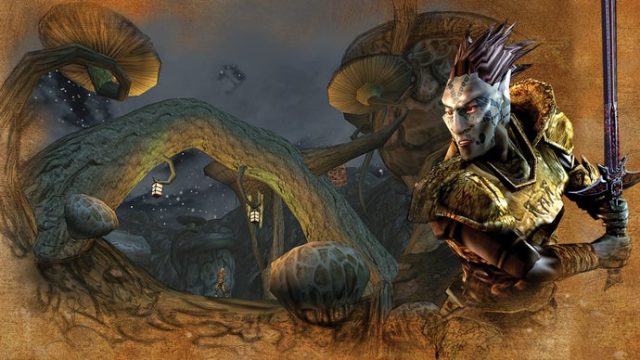
The Elder Scrolls: Morrowind is a critically acclaimed role-playing game (RPG) released by Bethesda Game Studios in 2002. Set in the vast and intricate world of Tamriel, Morrowind invites players to explore the mysterious island of Vvardenfell. With its deep lore, extensive character customization options, and an open-world experience, Morrowind remains a beloved classic in the gaming community. Despite its age, it continues to capture the hearts of both newcomers and veterans alike.
Platform Availability
Morrowind is available on various platforms, ensuring that players can enjoy this timeless classic no matter their preferred gaming device. Here are the primary platforms where you can find the game:
- PC: Available through Steam and GOG.
- Xbox: Playable on Xbox consoles through backward compatibility.
- Mac: Available on Mac systems via Steam.
System Requirements
Before diving into the enchanting world of Morrowind, it’s essential to ensure that your system meets the necessary requirements. Here’s what you’ll need:
For Windows PC
- OS: Windows 7/8/10
- Processor: 1 GHz Intel Pentium 4
- Memory: 512 MB RAM
- Graphics: DirectX-compatible video card with 64 MB VRAM
- DirectX: Version 8.1
- Storage: 4 GB available space
For Mac
- OS: macOS 10.6 or later
- Processor: 2.0 GHz Intel Core Duo
- Memory: 1 GB RAM
- Graphics: NVIDIA GeForce 8600 or ATI Radeon HD 2600
- Storage: 4 GB available space
How to Download
Downloading The Elder Scrolls: Morrowind is a straightforward process. Below are the steps for each platform:
For PC via Steam
- Open the Steam client on your computer.
- Log in to your Steam account or create a new one.
- In the search bar, type "The Elder Scrolls: Morrowind".
- Select the game from the list and click on the "Add to Cart" button.
- Proceed to checkout to purchase the game.
- Once purchased, the game will appear in your Library. Click "Install" to download and install Morrowind.
For PC via GOG
- Visit the GOG website and log in to your account or register a new one.
- Search for "The Elder Scrolls: Morrowind" in the search bar.
- Select the game and click on the "Buy Now" button.
- Complete your purchase, and the game will be added to your GOG library.
- Download the installer and run it to install the game on your computer.
For Xbox Consoles
- Turn on your Xbox console and log in to your Xbox Live account.
- Navigate to the store and search for "The Elder Scrolls: Morrowind".
- Select the game and follow the prompts to purchase and download it.
- Once downloaded, it will appear in your game library.
Conclusion
Downloading The Elder Scrolls: Morrowind offers gamers an opportunity to experience one of the most celebrated RPGs of all time. With its immersive world and unique storytelling, Morrowind remains a cornerstone of the Elder Scrolls series. Whether you’re playing on PC or console, the game’s rich lore and expansive gameplay continue to captivate players, making it a must-play for fans of the genre. Start your journey in Vvardenfell today!