
Key Takeaways
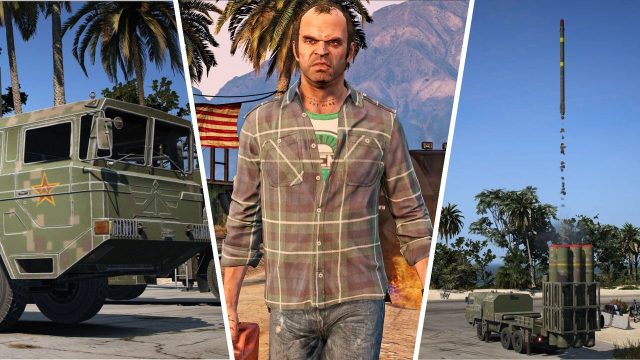
- GTA 5 mods can transform your gameplay experience.
- Ensure your system meets the necessary requirements before starting.
- Follow official platforms for reliable mod downloads.
- Enhance graphics, mechanics, and more with popular mods.
- Join communities for support and sharing your mods.
Overview of GTA 5
Grand Theft Auto V (GTA 5) remains one of the most popular titles in the gaming industry since its release in 2013. Developed by Rockstar Games, this open-world action-adventure game offers a vast landscape to explore, intriguing storylines, and endless possibilities for player creativity. The game's popularity is further amplified by its thriving modding community, which continually develops exciting modifications to enhance the gaming experience.
Platform Availability
GTA 5 is available on multiple platforms, ensuring that a wide range of players can enjoy this iconic title. Here’s where you can find it:
- PC: Available on Steam and Epic Games Store.
- PlayStation: PlayStation Store for PS4 and PS5.
- Xbox: Xbox Store for Xbox One and Xbox Series X/S.
Players in Southeast Asia, including Indonesia, can also access local stores for purchasing the game.
System Requirements
Before downloading GTA 5 or its mods, it’s essential to confirm that your system meets the following minimum requirements:
- OS: Windows 10 (64-bit) or later.
- Processor: Intel Core 2 Quad Q6600 or AMD Phenom 9850.
- Memory: 4 GB RAM.
- Graphics: NVIDIA 9800 GT 1GB or ATI 4870 1GB.
- DirectX: Version 10.
- Storage: 72 GB free disk space.
How to Download GTA 5 Mods
Enhancing your GTA 5 experience with mods is straightforward if you follow these steps:
Step 1: Choose a Modding Platform
To start modding, select reputable sites like Nexus Mods or GTA Garage. These platforms host a plethora of user-created mods ranging from simple enhancements to complete overhauls.
Step 2: Download the Mods
Once you find a mod that interests you, download it according to the site's instructions. Ensure you read any notes provided by the mod creator for special installation requirements.
Step 3: Install the Mods
To install your downloaded mod:
- Locate your GTA 5 installation folder, usually found in the Steam or Epic Games directory.
- Follow the specific installation instructions provided with the mod; this often involves dragging and dropping files into the game's directory.
- Some mods may require additional tools, such as OpenIV, to function correctly.
Step 4: Launch the Game
Once the installation is complete, launch GTA 5. If done correctly, you should see the mod in action. Make sure to check for any conflicts with existing mods or game updates.
Why Downloading Mods Matters Now
With an ever-growing gaming community, exploring GTA 5 mods provides an opportunity to breathe new life into this classic title. As gamers seek fresh content, modding has become a crucial aspect of retaining player engagement. Furthermore, with the potential release of GTA 6, modding may offer insights and updates on what players can expect from future installments. The current wave of creativity in the modding community is crucial for gamers wanting to stay connected and explore new gameplay mechanics.
Conclusion
Downloading and installing mods for GTA 5 is an excellent way to enhance your gaming experience. By following our straightforward guide, you can easily access a wealth of user-generated content that revitalizes your adventure in Los Santos. Join the vibrant modding community today and elevate your gameplay!