
Key Takeaways
- Fallout 76 is available on PC, Xbox, and PlayStation.
- Official platforms include Steam and Bethesda Launcher.
- System requirements vary by platform; check before downloading.
- Installation steps are straightforward and user-friendly.
- Multiplayer features enhance the gameplay experience.
Overview of Fallout 76
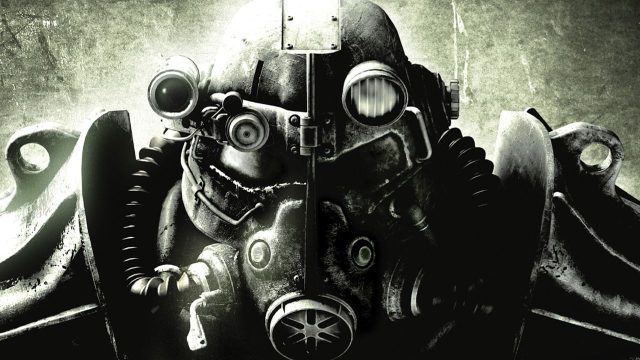
Fallout 76 is a dynamic online multiplayer RPG from Bethesda Game Studios, set in the beloved post-apocalyptic Fallout universe. It was launched in November 2018 but has experienced significant updates and expansions that keep the game fresh and engaging. Set in West Virginia, players explore a vast open world, engage in combat with mutated creatures, and undertake quests to uncover the lore of the Fallout universe.
What sets Fallout 76 apart is its emphasis on a collaborative multiplayer experience. Players can team up with friends or venture solo, making it a flexible option for both casual and hardcore gamers alike. The game invites exploration and creativity, allowing players to build shelters, gather resources, and connect with a thriving community.
Platform Availability
Fallout 76 is available on multiple platforms, ensuring accessibility for a wide range of gamers. Here are the platforms where you can download and play:
- PC: Available on Steam and Bethesda Launcher.
- Xbox: Accessible through the Xbox Store for Xbox One and Xbox Series X/S.
- PlayStation: Downloadable via the PlayStation Store for PS4 and PS5.
System Requirements
Before diving into the world of Fallout 76, it’s essential to ensure your system meets the necessary requirements. Below are the minimum and recommended specifications for a smooth gaming experience:
PC System Requirements
- Minimum:
- OS: Windows 7/8/10 (64-bit)
- Processor: Intel Core i5-2500K or AMD FX-8320
- Memory: 8 GB RAM
- Graphics: Nvidia 7950 or AMD 7870
- DirectX: Version 9.0c
- Storage: 60 GB available space
- Recommended:
- OS: Windows 10 (64-bit)
- Processor: Intel Core i7-4790 or AMD Ryzen 5 1500X
- Memory: 16 GB RAM
- Graphics: Nvidia GTX 960 or AMD RX 470
- DirectX: Version 11
- Storage: 60 GB available space
How to Download
Downloading Fallout 76 is a straightforward process, and you can do so through various official platforms. Follow these steps to get started:
For PC (Steam)
- Open the Steam client on your PC.
- Use the search bar to find "Fallout 76".
- Click on the game title to access its store page.
- Click the "Add to Cart" button, and proceed to checkout.
- Once purchased, click on "Library" to find Fallout 76 and start the download.
For PC (Bethesda Launcher)
- Download and install the Bethesda Launcher.
- Create or log into your Bethesda account.
- Find Fallout 76 in the store section.
- Click "Purchase" and follow the prompts to complete your transaction.
- Once done, navigate to your Library to download the game.
For Xbox
- Access the Xbox Store on your console.
- Search for "Fallout 76".
- Select the game and proceed to purchase it.
- Once purchased, the game will begin downloading automatically.
For PlayStation
- Open the PlayStation Store on your console.
- Search for "Fallout 76".
- Purchase the game to add it to your library.
- The download will start automatically upon purchase.
Conclusion
Fallout 76 offers an engaging multiplayer experience set in the iconic Fallout universe, perfect for both newcomers and veterans of the series. With its accessible download options on major platforms, anyone can dive into the post-apocalyptic adventures waiting in West Virginia. Make sure your system meets the requirements to enjoy a seamless gaming experience, and don't forget to team up with friends for the best gameplay!